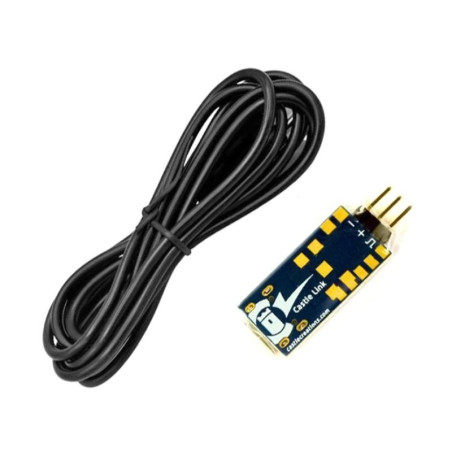
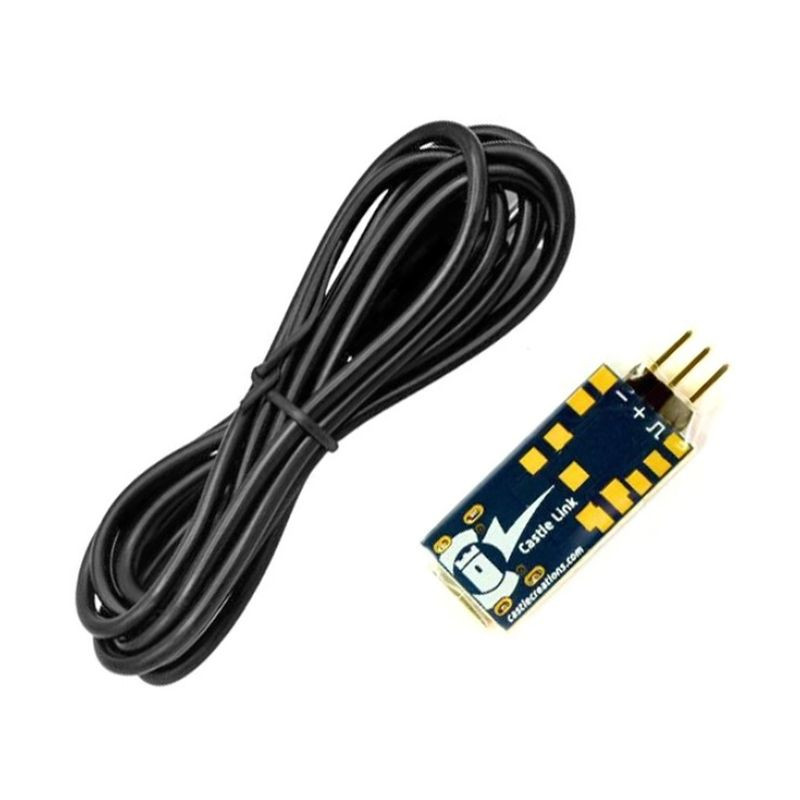
Castle CC011-0173-00 - Castle Link V4 USB programming kit for the Cobra series
Castle Link V4 is our new 32-bit USB adapter.
NOTE: Compatible only with Cobra 8 and Cobra 10 controllers and uses the new Castle Link 2 software for Windows.
For all other controllers, you must purchase the Castle Link V3 USB adapter.
Program the Cobra 8 controller on a Windows® computer (version 10 or later) using the Castle Link V4 USB programming kit.
- Configure programmable options using the point-and-click function
- View current program settings
- Download and view on-board ESC data logs
- Update the ESC with new firmware (if available)
Configuration instructions:
- Download Castle Link 2 software from the Downloads section.
- Run the Castle Link 2 installer and follow the on-screen instructions.
- Connect the Castle Link V4 adapter to the included USB Type C cable.
- Connect the receiver cable of the controller to the pins of the Castle Link adapter; connect the brown wire to the pin marked "GND" or "-".
Note: Castle Link Classic is not compatible with Castle Link V4 adapter and Cobra 8 regulator.
Package includes:
- Castle Link V4 adapter
- USB type C cable
- Castle sticker sheet
For more information on the Castle Link software, visit the "Downloads"page .
Castle Link includes a proprietary interface adapter and a standard USB Type-C port cable. All you need is an available USB Type A port on a Windows 10 computer.
System requirements: Castle Link 2 is compatible with Windows 10 or later.
 Polski
 Čeština
 English